Wil je een college laten opnemen, een kennisclip laten maken of technische hulp in de onderwijszaal? Het AV-expertisecentrum van de UvA helpt je op weg. Onze teams ondersteunen je bij alles op het gebied van audio en video: van een snelle opstartuitleg voor AV-apparatuur in de collegezalen tot een professionele studioproductie.
Deploying audio and video for hybrid teaching
At the UvA, most teaching will take place in the lecture rooms. The policy for hybrid teaching and web lectures varies between faculties or even programmes. Check the policy before you deploy recordings or video in teaching. It is also advisable to plan beforehand how you will use this material. The Teaching and Learning Centre (TLC) offers support in this.
Recording lectures
Most of the large lecture rooms at the UvA offer facilities to record lectures. You can find which A/V equipment is available per lecture room at rooster.uva.nl. You can get support both for recording your lectures and for publishing these online by requesting a web lecture.
Are you teaching in one of the rooms without regular web lecture equipment and do you want to record your lecture yourself? You can record your lecture or tutorial with a Brio or Owl webcam using Zoom or Kaltura Capture. You then post the recording on Canvas yourself.
Recording microlectures
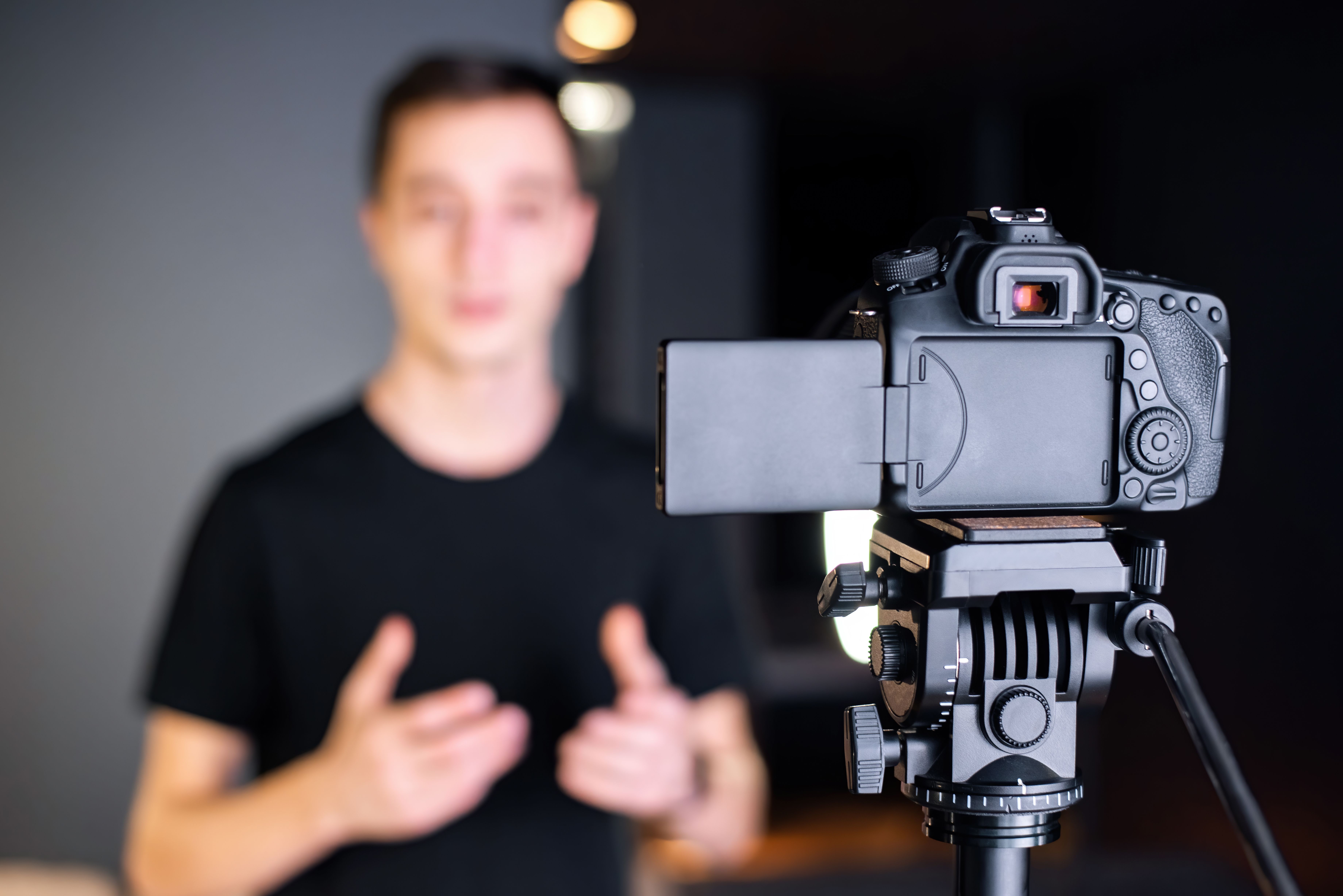
There are studios available at different locations that allow you to record your own microlecture. Contact the ICTO-team of your faculty to make a microlecture. For example, you could discuss the desired format, video editing, and the actual microlecture recording.
Do you want to have a video or animation made? Or do you want professional advise on video usage? You can get this at the AudioVisual Centre. Please note that additional costs will apply.
Borrowing audiovisual equipment
What audiovisual equipment is available varies per lecture room. You can find precisely which A/V equipment is available by default per lecture room at rooster.uva.nl. You can also borrow audiovisual equipment. On the page about AV equipment on loan you will find various manuals to help you use AV equipment. For example, about connecting to the screen and speakers in a lecture room and the use of cameras and recording microlectures.
Support
At each UvA location colleagues manage the audiovisual technology in lecture and tutorial rooms. Are you using audiovisual equipment for the first time? Please request support to start up at least 5 days in advance via the Servicedesk Facility Services (FS). Please contact them in case of problems or questions too in order to get onsite help.
Contact
Service Desk Facility Services (FS)
If you have any questions, contact the FS Service Desk. You can reach them from Monday to Friday between 08:00 - 17:00.
Encountering an error? Report it here. Often, an outage is resolved within 15 minutes.