Photography
Perspective
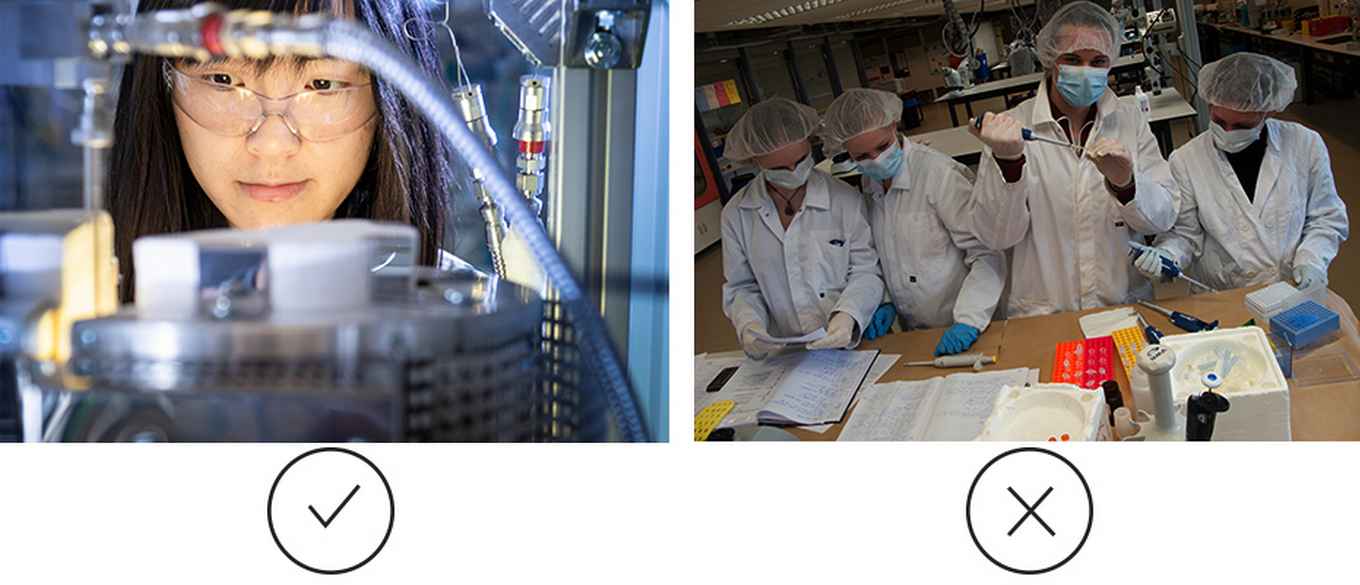
Where possible, photograph the scene from as close as you can. This perspective gives the viewer a sense of being part of the image and helps emotion come across more clearly. Also pay attention to the number of people and objects in the shot: too many will distract from the message.
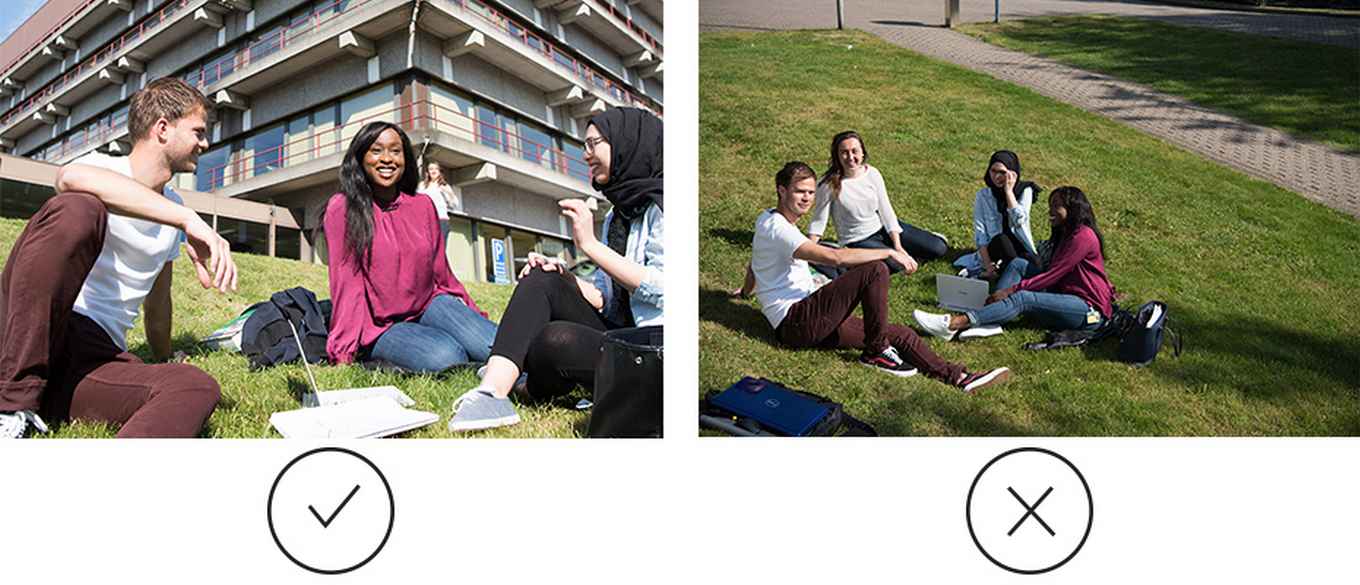
Authentic and recognisable
Capture the sense of the UvA community, with the people who surround us every day across our various campuses. Lighting is natural. When shooting indoors, avoid using flash wherever possible. Photos are not edited. Using natural daylight in photography emphasises the UvA’s open and tolerant character. The photos have strong contrast but are not oversaturated. Use stock photos only when absolutely necessary. AI is not used for realistic images.
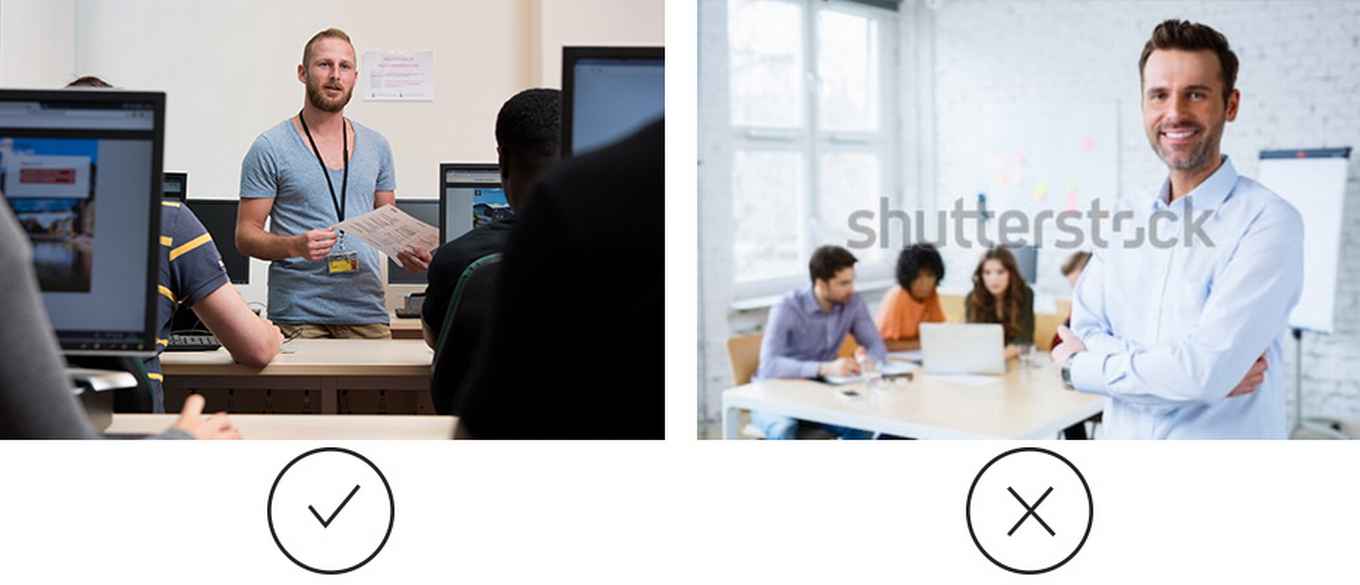
Natural and spontaneous
Images that capture spontaneous interactions convey a realistic and positive feeling to your audience. Avoid photographs that look posed or unnatural.
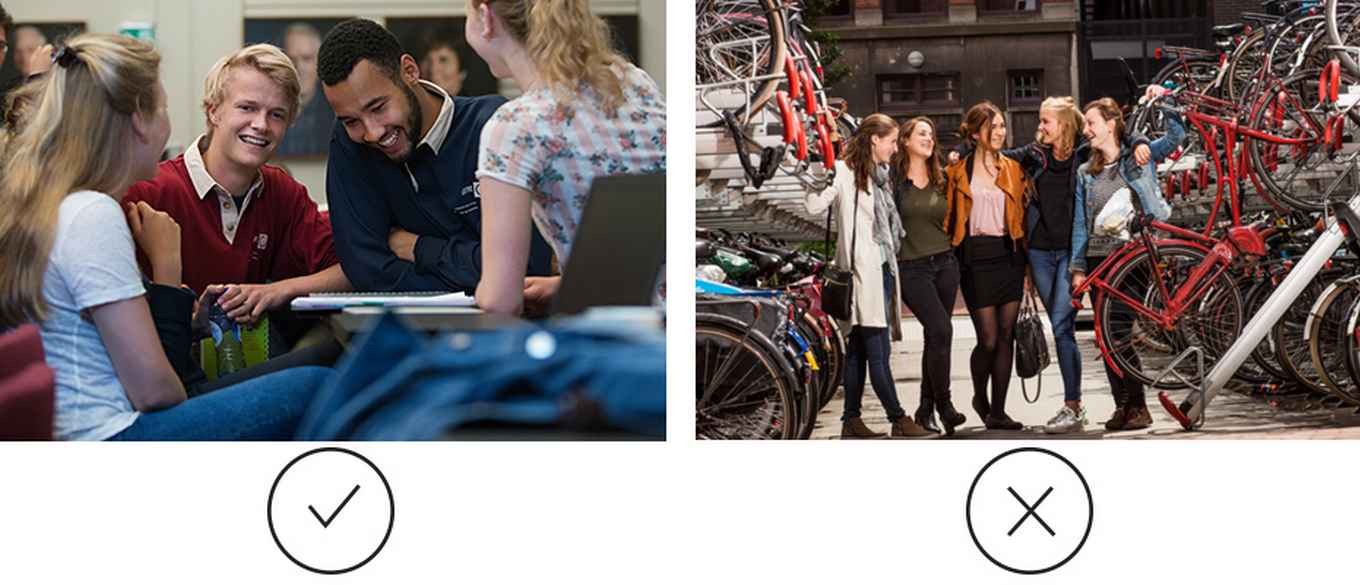
Diverse and international
Ensure that the photography reflects the diversity of the academic community. This includes, for example, a balance of genders, cultural backgrounds, people with disabilities, different age groups, and a mix of students, lecturers, researchers and other professionals.
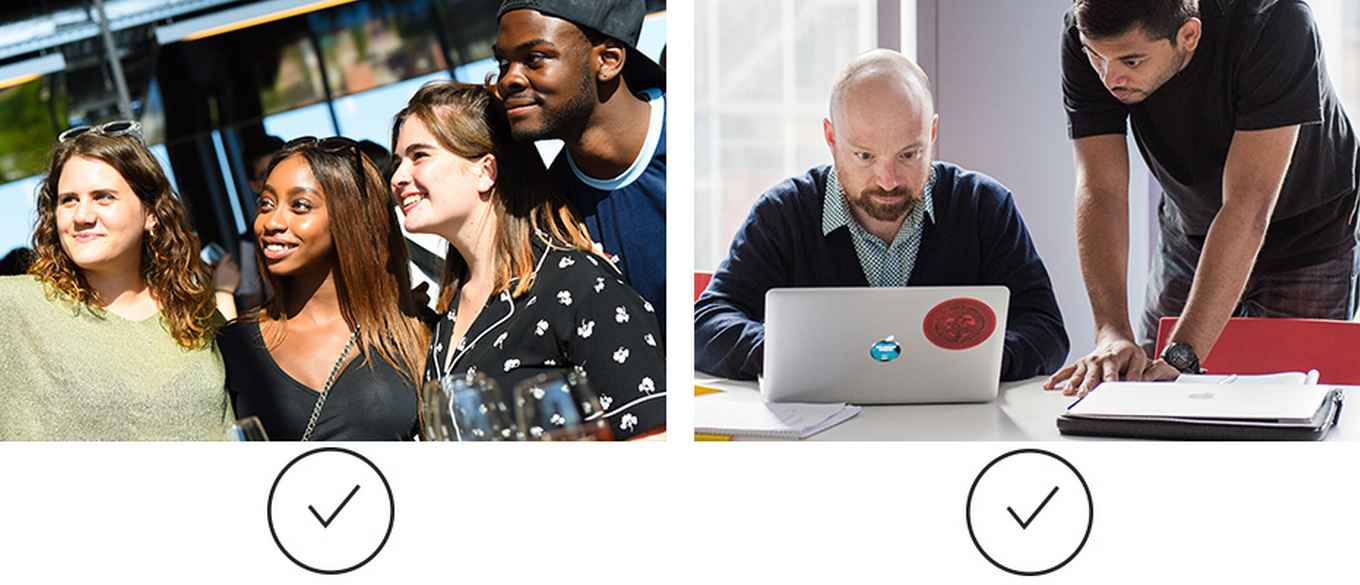
Keep it up to date
Make sure to update your photography regularly to keep your images relevant and up to date. Avoid using photographs that look dated.
Looking for great photography? The Communications Office is happy to help!
-
Image library
The UvA image library contains a wide range of high-quality, professional photographs that are ideal for your marketing and communications materials. Photographs made available in the image library are free to use unless otherwise stated. They can be used for covers, posters, brochures and presentations, for example, and are suitable for providing context to a story or making a communication more visually appealing.
1. Terms of use
The photographer’s name must always be credited in publications. If a photograph is subject to usage restrictions, for example, because it was specifically created to illustrate a particular subject or degree programme and is often used as a key brand image, it may not be used for other purposes.
2. Uploading to the image library
Would you like to upload an image to the image library? Your image must meet the following requirements:
- The image is free of copyright restrictions or the UvA has obtained the necessary rights.
- If the image is subject to usage restrictions, state this when uploading it.
- Always provide the photographer’s name.
- If people are shown in the photograph, the image must be accompanied by a model release form (portrait rights) signed by the person or people depicted.
3. Search tips
To find photographs, search using keywords that appear in the image description or use the available search filters, such as date or location.
-
External image libraries
If you cannot find a suitable image in the UvA image library, you can also make use of the following image archives:
- University History Collection
Contact: Marike van Roon
E: m.vanroon@uva.nl - Folia University Newspaper Photo Archive
Folia works with a number of staff and freelance photographers. The archive is accessible to everyone. Please contact Folia in advance to arrange a suitable time to visit. The photographs are not royalty-free; if you wish to use a photograph, you must contact the photographer yourself.
Contact: Stefanie Gude
T: +31 (0)20 525 3981
E: redactie@folia.nl
- University History Collection