Letter
-
Example letter with UvA logo
Organisational units such as support services communicate exclusively using the UvA logo. A block on the right is available for department-specific information. For more information on how to use the UvA logo, see the logo guidelines.
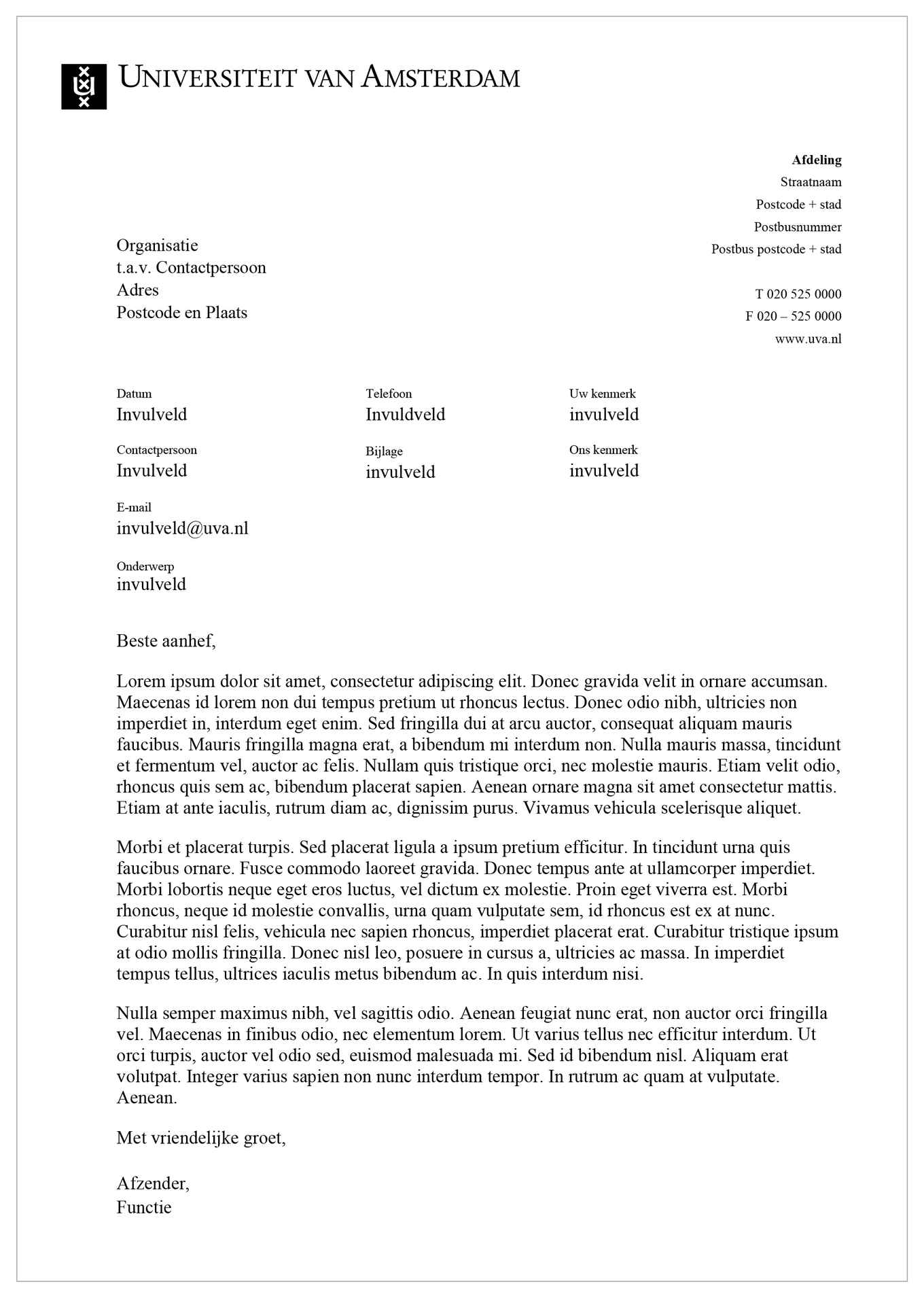
Example letter with UvA logo -
Example letter with organisational unit
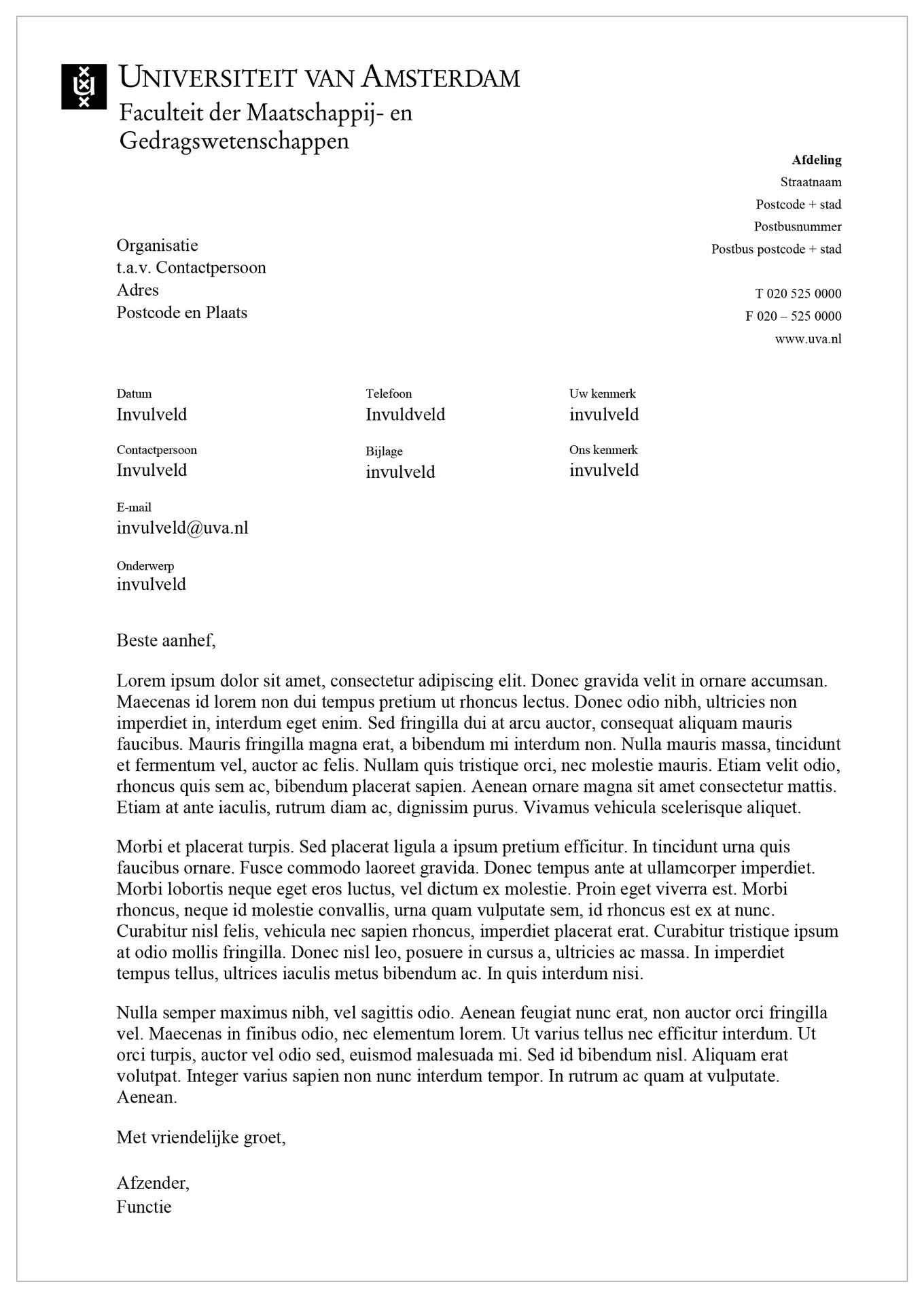
Example letter with organisational unit Some organisational units are permitted to place their name directly below the UvA logo. Check the logo guidelines to see whether this applies to your organisational unit. The block on the right is available for department-specific information within your organisational unit, such as a degree programme or support service.
Word letter template via Templafy
The letter template is available in Templafy, the template tool for Microsoft Word. On a UvA-managed ICT workstation, you can download Templafy via the Software Centre. The template helps you work more efficiently by entering your details just once. Your sender information will then automatically appear in each new document created using the template. Because the UvA logo is always printed in black and white, you can also save costs by printing without specially pre-printed letterhead. If you use a different operating system, you can download the templates via uva.templafy.com.
Font and size
Within the templates, use the fonts Times New Roman and Arial. Use a minimum font size of 10 pt for body text.
Ordering pre-printed letterhead and envelopes
You can order pre-printed letterhead and envelopes from Canon via Ariba. If you do not have an Ariba account, order pre-printed letterhead and/or envelopes through the secretariat or communications department of your organisational unit.